For Android · Powered by Gemma 4 · Built for accessibility
A photo is worth a thousand words.
Unless you cannot see it.
PhotoLens is an accessible photo gallery for blind and low-vision users. Open a photograph. Hear what is in it. No internet. No cloud. No account. Your memories never leave your phone.
- 100%
- On-device AI
- 0
- Photos uploaded
- WCAG 2.1 AA
- Accessibility target
- Free
- Forever, no ads
The trip that built this app
A family trip. A remote shore. A phone full of photographs no one could tell me about.
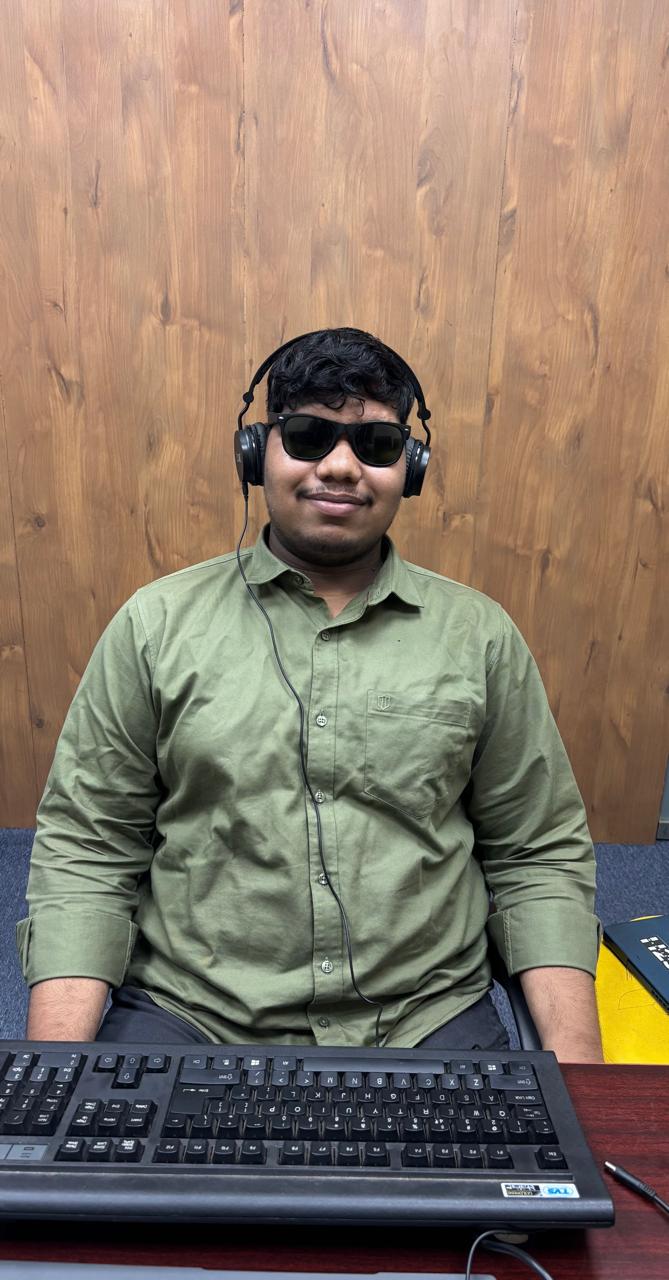
I am visually impaired. On a family trip to a place far from any signal, I held a phone full of pictures and every assistive app I trusted went dark — they all needed the internet that did not exist out there.
So I sat by the water, listened to my family describe the sky, and started building this app in my head.
"Privacy is an accessibility issue. You should not have to hand over your memories to get access to them."
— Susant Swain, creator of PhotoLens
Why PhotoLens is different
The architecture is the argument.
Works fully offline
Every description is generated on your device. No signal, no WiFi, no cloud — PhotoLens works in the mountains, on the coast, and in airplane mode.
Your photos never leave
There is no upload code in the app. Not as a policy — as an architectural fact. Your memories stay in your hands.
On-device Gemma 4
Google's open-weight multimodal model runs locally via LiteRT-LM, using your phone's GPU or NPU. Real intelligence, real privacy.
TalkBack-first design
Built for screen readers from the very first screen. Linear navigation, automatic focus, meaningful labels — accessibility as the structure, not a layer.
How it works
Three steps. No internet.
- 01
Open any photo
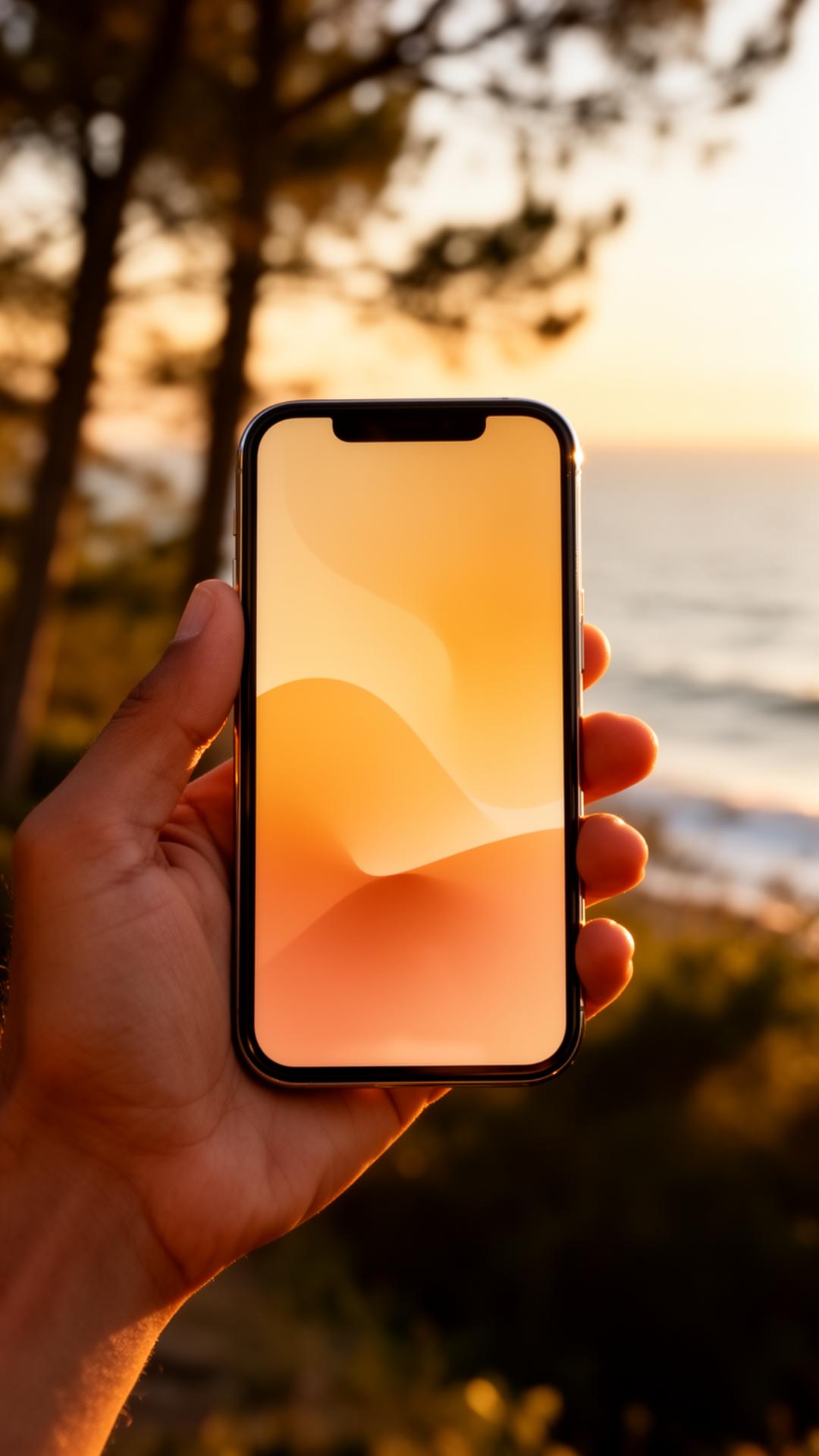
Browse your gallery the same way you always have. Every screen is built for TalkBack first.
- 02
Tap describe — or let it auto-run
Gemma 4 reads the image on your device's GPU or NPU. Optional Thinking Mode shows you how it reasons.
- 03
Hear the photograph
Focus jumps to the description automatically. Your screen reader speaks. Now you know what you captured.
What it sounds like
You press the button. The photograph speaks.
Generated on-device · 2.4 s
"A coastal landscape at what appears to be late afternoon. The sky is a gradient of orange and pink near the horizon, deepening to blue above. Rocky formations meet the water in the foreground. Waves are mid-break, white foam catching the light. Several silhouettes of people are standing on the rocks, facing the water."
The people this was built for
Built first for one visually impaired engineer.
Then for everyone who has ever stood in his place.
The traveler whose family is laughing at a sunset they cannot see.
The patient photographing a prescription label that should never touch a server.
The older parent whose sight is changing, and whose photo library is slipping away.
The young person with low vision who wants to share images on the same terms as everyone else.
Help keep PhotoLens free, private, and independent
Every photo described here is a moment someone almost lost.
PhotoLens is built by one visually impaired engineer, with no investors, no ads, and no plans to ever sell your data — because there is no data to sell. If this work matters to you, your sponsorship pays for the devices, the model testing, and the hours that make accessibility actually accessible.
One-time or monthly · Cancel anytime
Photographs you took. Finally yours to know.
PhotoLens is in active development. If you build accessibility tools, fund accessibility work, or simply want to follow along — say hello.